overlay · Aug 21, 2026
Anatomy of a Stream Overlay
A stream overlay is five layers pretending to be one. Here is how mine is built, from the game window up to the neon trim, and the three rules that keep it readable.
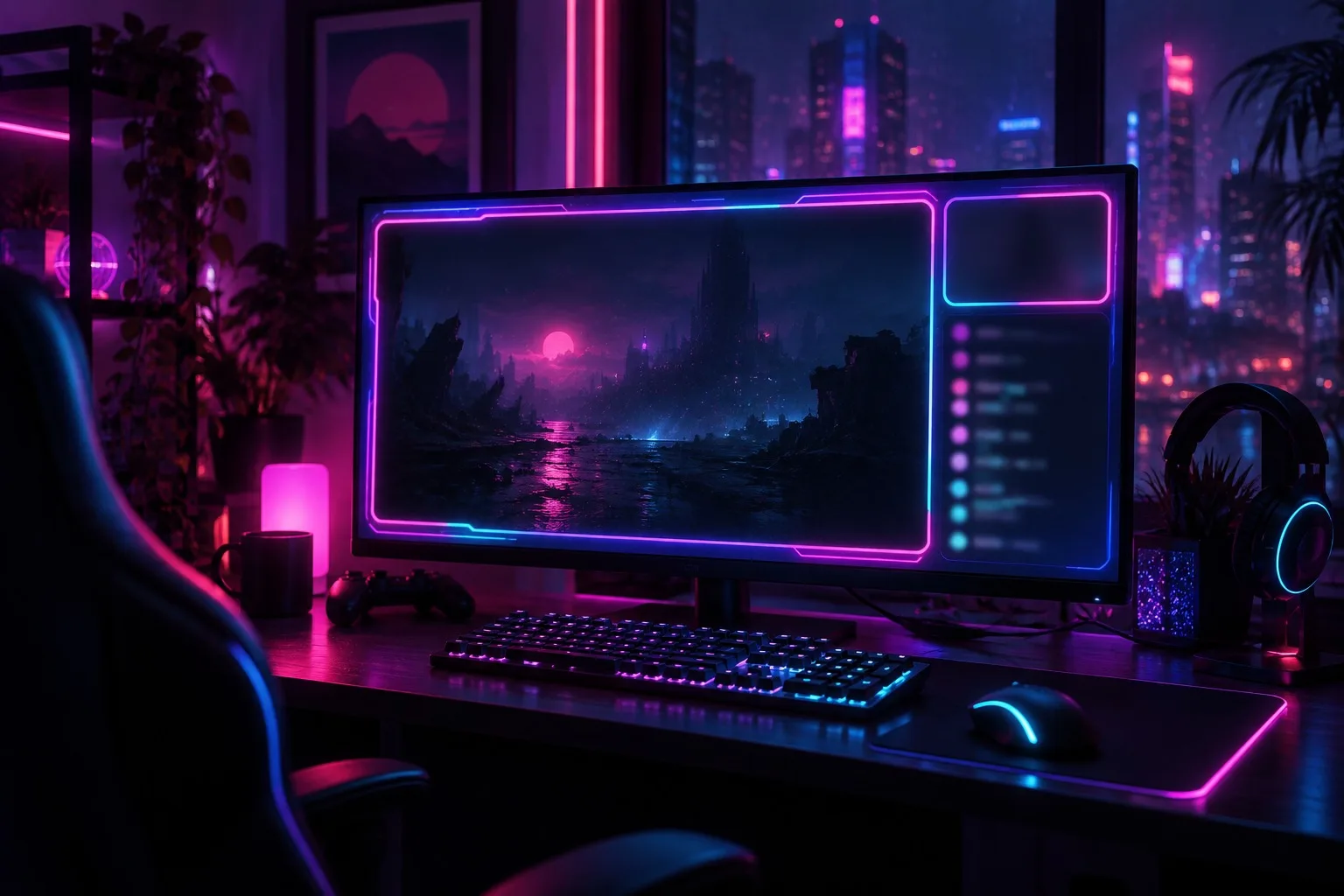
When people see my stream for the first time they think the overlay is one big picture. It isn't. It's five layers stacked like cards, and understanding them is the fastest way to make your own look sharp instead of busy.
Open your streaming software's scene and count the layers. Here's mine, bottom to top.
Layer one: the game
Everything else exists to frame this. The game window gets the biggest share of the canvas, and I keep it clean: no border glow fighting the picture, no scanlines over the action. If a viewer can't read the game, nothing else on screen matters.
I leave a quiet margin around it, about 40 pixels on a 1080p canvas. That margin is where the neon lives.
Layer two: the frame
This is the layer people remember. A thin magenta line on the left and top, a cyan one on the right and bottom, each with a soft glow that fades to black inside two or three pixels. Cheap trick: draw the glow in a single colour, then blur a copy and put it behind.
The rule is that the frame never goes over the game. It sits outside it. Viewers can feel the difference even when they can't name it.
Layer three: the camera
A rounded box in the lower-left, mine is 320 by 180. I keep my face out of the corner where the game puts its health bar or minimap. Every game has a corner it cares about, and a good overlay learns it before the first session.
If the camera box covers something important, move the box. Never ask the viewer to cope.
Layer four: chat and alerts
Chat sits on the right in a narrow panel, with a dark translucent background and white text. Alerts pop in above it and leave again after four seconds. They're animated, but only enough that you notice them and not enough that you wait.
Here are the colours I use for text, since readable neon is harder than it looks:
Body text: near-white with a slight cool tint
Names: soft cyan, never pure
Highlights: one warm magenta, used sparingly
Backgrounds: deep violet-black, 80 percent opaque
Layer five: the trim
Tiny things. A thin line under the chat panel with the channel name. A clock. A "next stream" tag that updates itself. This is the layer that makes the overlay feel finished, and it's the one I'd cut first if the screen felt crowded.
Three rules hold the five layers together:
Contrast beats colour. If you have to squint at it in a phone-sized preview, it's wrong.
Motion is a seasoning. One animated element at a time.
Protect the game. Layers two to five are guests.
Build it one layer at a time, preview it at thumbnail size, and ask a friend to watch for a minute without telling them anything. If they can say what the game is and what you're called, you're done.
Names, places and events in this demo are fictional.
No comments yet
Comments are open. Have a thought or a question? Share it below.